Server Console: Login and Setup
IPTVBoss Pro
XC Server requires Pro.
Updating an existing server
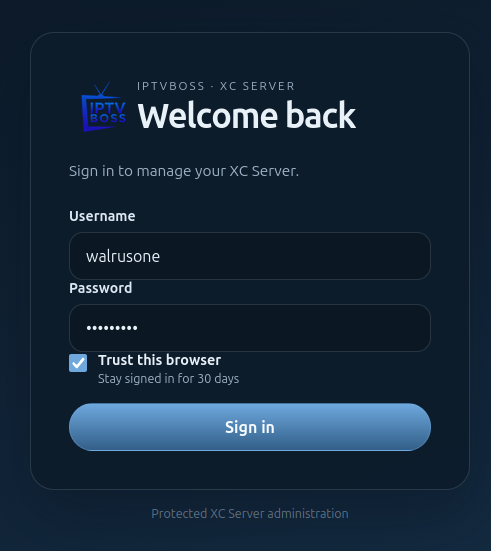
When upgrading from 3.11.16 with an existing administrator password, sign in with username admin and your existing password. These are the console administrator credentials, separate from player credentials. See Update from 3.11.16 for connection-mode settings and migration checks.
First-time setup
When the server has no administrator account, the console displays the setup form.
- Enter the administrator username.
- Enter and confirm a strong password.
- Enter and confirm a six-digit section PIN.
- Save the setup form and keep the credentials in a secure password manager.
The section PIN is separate from the administrator password. It protects sensitive sections after you sign in.
Sign in
- Open the server console URL.
- Enter the administrator username and password.
- If prompted, enter the current six-digit code from the authenticator app.
- If the authenticator is unavailable, choose Use a recovery code and enter one unused recovery code.
Use Log out when finished on a shared computer. Never share the console URL, password, authenticator secret, or recovery codes.
Manage account and security settings after signing in. For lost administrator access, see XC Server Recovery.