Server Console: Logs
IPTVBoss Pro
XC Server requires Pro.
Use Logs to review server activity, synchronization results, output events, and failures. Choose among the XC Server, IPTVBoss, and NoGUI logs, then select a dated log and the number of lines to display.
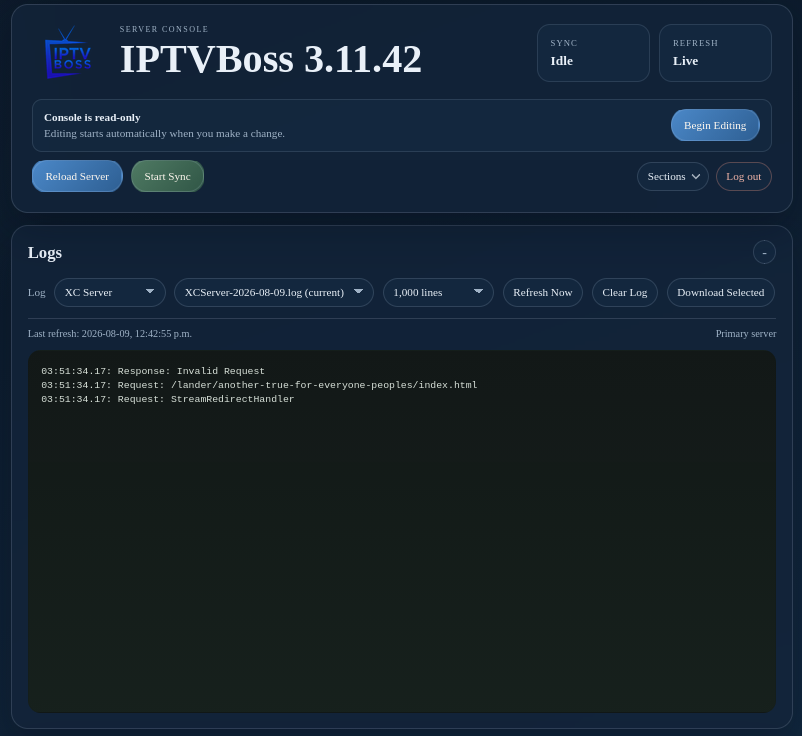
Use Refresh Now for the latest entries, Clear Log only when the selected log can safely be discarded, and Download Selected to save a copy for troubleshooting. Review the timestamp and operation before repeating a failed action. Include the relevant log entries, application version, and server mode when requesting support, but redact API keys, passwords, pairing codes, and recovery codes.