Using the API and Swagger
IPTVBoss Pro
XC Server requires Pro.
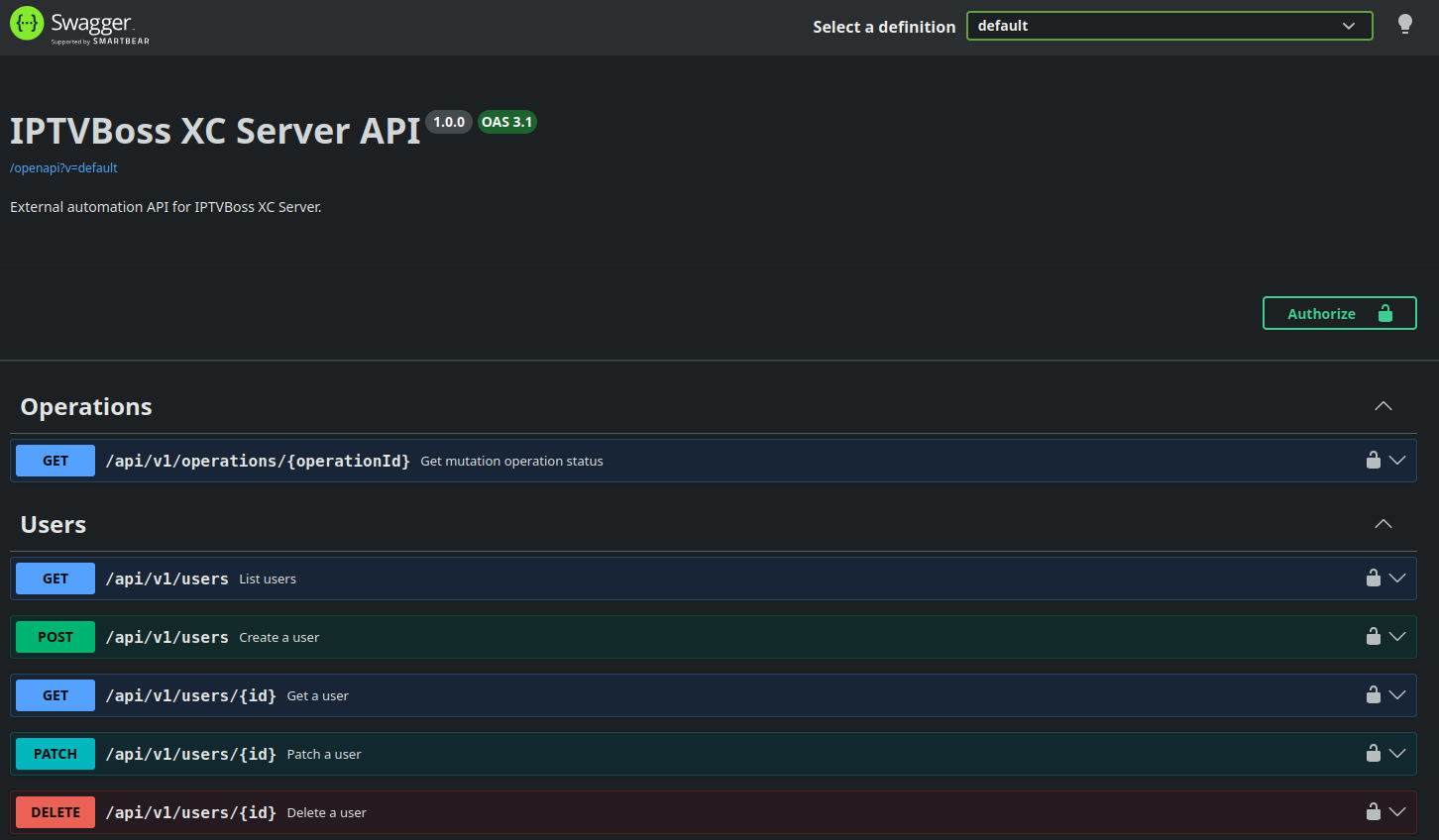
The server exposes interactive Swagger documentation for the external API at:
After signing in to the console, open the Swagger link or the server's /swagger path. The documentation session is separate from an external automation API key; use a valid key when testing an endpoint that requires one.
Create a key in API Keys before making external requests.
The raw OpenAPI JSON (openapi.json) specification is available at /openapi. External automation clients can fetch it with a valid X-IPTVBoss-Api-Key header, which is useful for code generation and client discovery:
The raw specification accepts a valid, non-revoked external automation key without a user scope; key rate limits and access auditing still apply. An authenticated administrator console session can also access the specification.
For documentation access, the API key grants access to the raw specification only; it does not grant access to the interactive /swagger page or its supporting web assets, which require an authenticated administrator console session.
The documented API includes user metadata, user listing and mutations, layout-specific password set/regenerate operations, and asynchronous operation status. The former bulk user-password reset endpoint is retained in the schema as retired and returns 410 Gone. Use a valid API key with the required scope when testing an endpoint, and treat the Try it out controls as live operations: use a test user and confirm the target server before sending a request.
Layout password endpoints
Use an API key with the user-write scope and an Idempotency-Key for each mutation:
PUT /api/v1/users/{id}/layouts/{layoutId}/password
Content-Type: application/json
Idempotency-Key: unique-operation-id

{"password":"Imported_42"}
To generate a new password for one assigned XC-enabled layout, call:
User create and patch requests can also include layoutPasswords entries. Each entry must reference an assigned XC-enabled layout, and passwords must be unique within that user. Passwords accept 6–64 letters, digits, or - . _ ~.